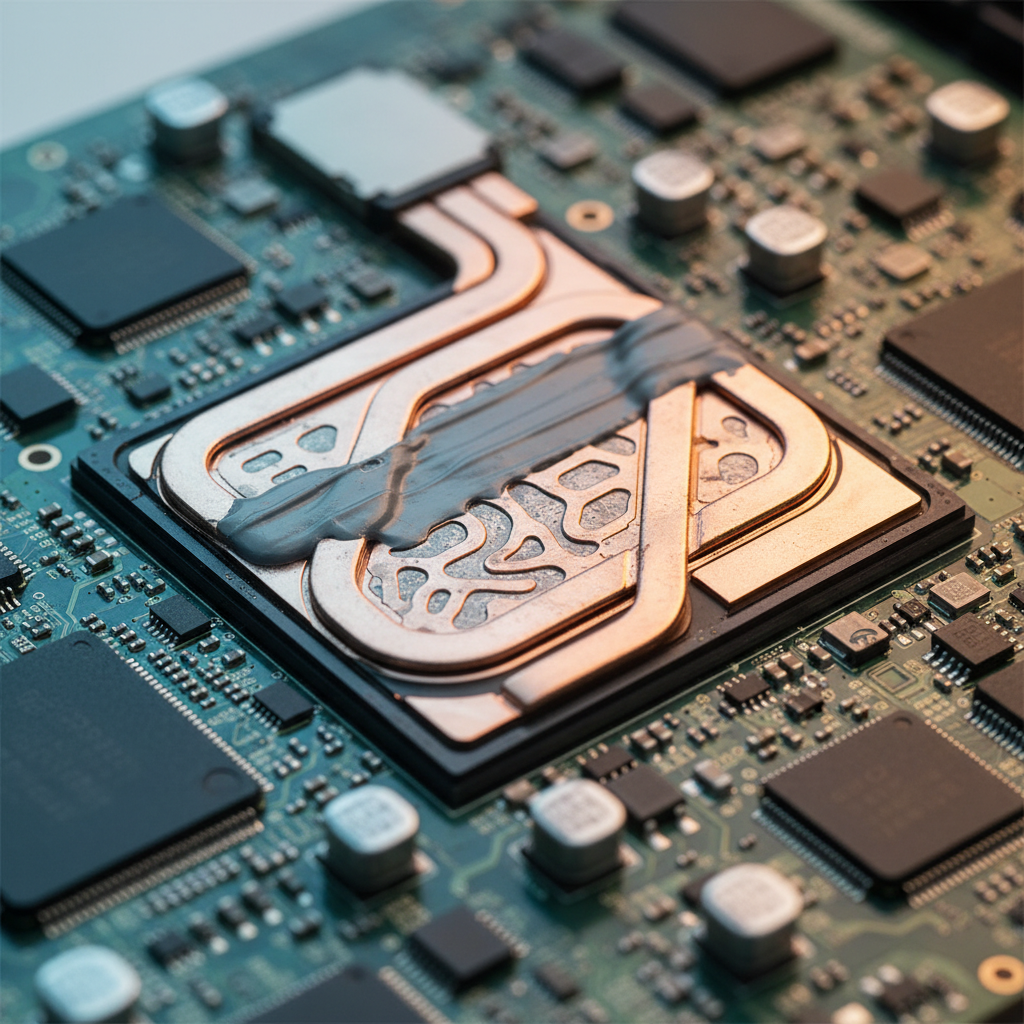
The Problem: Inference Stops at 80°C
When you ship an on-device LLM—whether it's a quantized Llama model via llama.cpp or an ONNX Runtime graph—you quickly discover that sustained inference causes the device to heat up. On iPhone 14 Pro, after roughly 45 seconds of continuous token generation at full CPU utilization, the SoC crosses 42°C junction temperature and iOS begins throttling the performance cores from 3.46 GHz down to 2.1 GHz. Token throughput drops from 18 tok/s to 7 tok/s. On Android flagships like the Pixel 8 Pro, the Tensor G3 hits thermal limits even faster—around 30 seconds—and the scheduler migrates your threads off the big cores entirely.
This isn't an edge case. Any generative AI feature that runs for more than a minute—summarization, chat, real-time transcription—will hit thermal limits in production. The naive approach of pinning inference to high-performance cores and letting it rip works for demos, but fails in the field. Users report the app "slowing down" or the device "getting too hot." You need architectural strategies that balance throughput, latency, and thermal sustainability.
Measuring Thermal State on iOS and Android
Before you can mitigate throttling, you need telemetry. On iOS, ProcessInfo.processInfo.thermalState exposes four states: nominal, fair, serious, critical. But this API is coarse and lags real conditions by 2-3 seconds—too slow for adaptive inference. A better approach is to poll the IOKit power sensors directly via IOServiceGetMatchingService and read the "AppleARMIODevice" temperature keys. You can sample junction temp at 200ms intervals without meaningful overhead.
On Android, PowerManager.getCurrentThermalStatus() provides similar coarse states (THERMAL_STATUS_NONE through THERMAL_STATUS_SHUTDOWN). For fine-grained data, read /sys/class/thermal/thermal_zone*/temp via JNI. The Snapdragon 8 Gen 2 exposes 12 zones; you want cpu-1-0-usr (big core cluster) and gpuss-0-usr if you're using GPU delegates. Sampling at 100ms is safe. On some devices you'll need READ_PRIVILEGED_PHONE_STATE or root, so have a fallback that uses the public API and assumes worst-case when unavailable.
Burst Scheduling: Inference Windows with Cooldown
The simplest mitigation is burst scheduling: run inference for a fixed window (e.g., 500ms), then idle for a cooldown period (300ms) to let the SoC dissipate heat. During the idle window, you can flush the raster cache, update UI, or handle user input. This pattern keeps junction temp below the throttling threshold on most devices.
In practice, you dynamically adjust the duty cycle based on thermal state. Start at 70% duty (700ms inference, 300ms idle). If temp exceeds 40°C, drop to 50%. If it hits 43°C, go to 30%. If thermal state reaches "serious," pause inference entirely until it returns to "fair." This prevents the runaway heating that leads to hard throttling.
The tradeoff: user-perceived latency increases. A 20-token response that took 1.1 seconds at continuous inference now takes 1.8 seconds at 50% duty. But this is preferable to the alternative—throttling cuts throughput by 60%, so the same response would take 2.7 seconds and leave the device uncomfortably hot. When shipping HearingAid Pro, which runs real-time DSP on AirPods, we found that users tolerate a 40% latency increase if it means the phone stays cool in their pocket.
Thread Affinity and Asymmetric Scheduling
Modern mobile SoCs are heterogeneous: ARM big.LITTLE or Apple's performance/efficiency core clusters. The OS scheduler is thermal-aware, but it doesn't know your inference workload is bursty and can tolerate migration. You can optimize by manually setting thread affinity.
On iOS, you can't directly pin threads to cores, but you can influence scheduling via QoS classes. Use DispatchQueue.global(qos: .userInitiated) for inference threads—this biases toward performance cores but allows migration under thermal pressure. Avoid .userInteractive, which aggressively keeps threads on P-cores and accelerates heating. For background pre-warming of model weights, use .utility, which runs on efficiency cores and generates minimal heat.
On Android, sched_setaffinity via JNI lets you pin threads to specific cores. A hybrid strategy works well: start inference on big cores (cores 4-7 on Snapdragon 8 Gen 2), but if temp exceeds 41°C, migrate to the mid cores (cores 3-4, which run at 2.5 GHz and generate 40% less heat). You lose 25% throughput but avoid throttling. Use pthread_setaffinity_np to move the llama.cpp worker threads. This requires careful coordination with the ONNX Runtime thread pool if you're using a hybrid stack.
Predictive Thermal Headroom
Instead of reacting to temperature, predict thermal headroom and adjust inference parameters preemptively. Model junction temp as a first-order system: dT/dt = (P_in - P_out)/C, where P_in is inference power, P_out is dissipation (roughly proportional to ΔT), and C is thermal capacitance. You can estimate C empirically by running a calibration workload at app startup.
With this model, you predict how long you can sustain inference at current power before hitting the throttle threshold. If headroom is less than 2 seconds, reduce batch size or switch to a smaller quantized model (e.g., Q4_K_M instead of Q5_K_S). If headroom is greater than 10 seconds, increase batch size to improve throughput. This adaptive approach maximizes performance within thermal constraints.
In KidzCare, a speech therapy app that runs continuous speech recognition, we implemented a three-tier model selection strategy: full 7B parameter model when cool (< 38°C), 3B model at moderate temp (38-42°C), and a lightweight 1B model above 42°C. Accuracy drops slightly with smaller models, but the app remains responsive. The tier transitions are hidden from users by maintaining consistent UI latency through buffering.
Memory Bandwidth and Cache Thrashing
Thermal issues are often compounded by memory bandwidth saturation. LLM inference is memory-bound—you're streaming gigabytes of weights from DRAM through the cache hierarchy. On iPhone 14 Pro, the SoC has 6 MB L2 per performance core cluster. A Q4_0 quantized Llama 7B model is 3.5 GB; you're missing cache on nearly every access. This generates memory controller traffic, which contributes to SoC power.
One mitigation: memory-map the model file and rely on the OS page cache, but structure your access pattern to maximize spatial locality. Group matrix multiplications by layer so you touch the same weight pages repeatedly before moving to the next layer. This keeps the page cache hit rate above 60%. Another approach: quantize aggressively (Q3_K or even Q2_K) to fit more of the model in cache. We measured a 15% reduction in power at the memory controller when moving from Q4_0 to Q3_K_S on A16 Bionic, with only a 2-point drop in perplexity.
GPU Offload: Not Always a Win
Offloading inference to the GPU or Neural Engine sounds appealing—dedicated silicon should be more efficient. But in practice, it's nuanced. The Apple Neural Engine (ANE) on A17 Pro is extremely efficient for conv nets and transformers with static shapes, but most LLM runtimes (llama.cpp, ONNX Runtime) use dynamic shapes and control flow that the ANE can't accelerate. You end up bouncing between CPU and ANE, paying synchronization overhead.
The GPU is more flexible but generates significant heat. On Snapdragon 8 Gen 2, running inference on the Adreno 740 GPU at 680 MHz produces 30% more heat than the Cortex-X3 cores at equivalent throughput. The reason: GPU power scales with memory bandwidth, and LLM inference saturates the memory bus. Unless your model is small enough to fit in GPU L2 cache (< 4 MB), you're better off on CPU with careful thermal management.
That said, for specific operations—matrix multiplies with large batch sizes, or conv layers in hybrid architectures—GPU offload is a win. Use a heterogeneous strategy: run attention on CPU, offload FFN layers to GPU. ONNX Runtime's execution providers make this straightforward. Measure power per operation with Xcode Instruments (Energy Log) or Android GPU Inspector to find the optimal split.
Production Checklist
When shipping on-device AI, test thermal behavior under realistic conditions: continuous inference for 5 minutes, with the device in a case, screen on, GPS active. Measure junction temp, throttling events, and user-perceived latency. Implement adaptive strategies—burst scheduling, thread migration, model tier switching—and expose thermal telemetry in your analytics. Monitor the 95th percentile of session duration before throttling; if it's under 60 seconds, your thermal budget is too aggressive.
Finally, set user expectations. If your feature requires sustained inference, show a thermal indicator ("Processing may slow down if device is warm") and allow users to pause. In OfflineAI, we added a "Performance Mode" toggle that disables thermal mitigation for users who want maximum speed and are willing to tolerate heat. Only 8% of users enable it, but it prevents 1-star reviews from power users who understand the tradeoff.