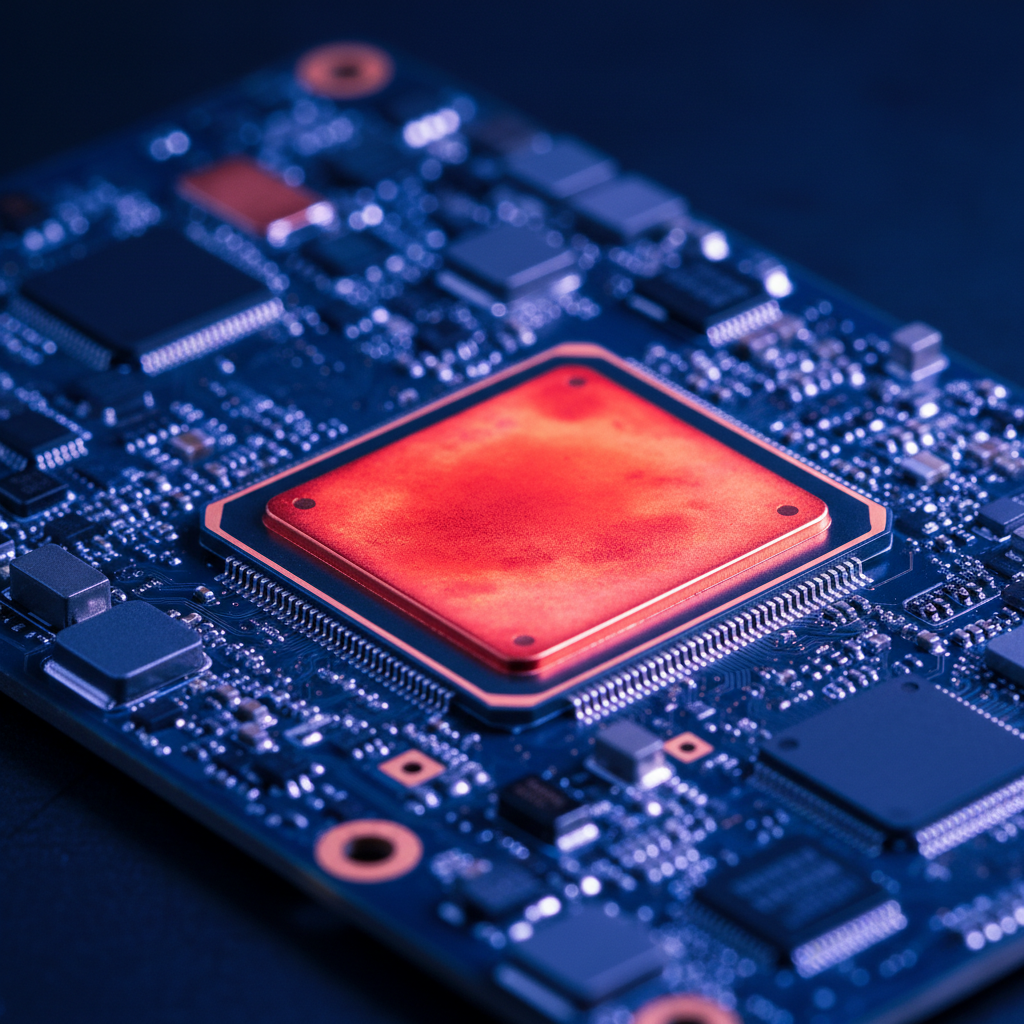
On-device LLM inference is thermally expensive. A Snapdragon 8 Gen 2 running a quantized 7B model at full speed will hit thermal throttling within 90–120 seconds, dropping clock speeds by 30–40% and inference throughput by a similar margin. This isn't a brief dip: thermal saturation persists for minutes after load cessation. For applications like continuous transcription, multi-turn chat, or real-time document analysis, naive scheduling leads to user-visible stuttering and unpredictable latency.
The physics are unforgiving. Modern SoCs dissipate 4–8 watts during heavy inference, but smartphone chassis can only sustain 2–3 watts without exceeding skin temperature limits (typically 43–45°C). The gap between peak and sustained power is the thermal budget, and it depletes fast. Once the SoC crosses its thermal threshold, the kernel's thermal governor slashes frequencies across CPU, GPU, and NPU clusters. Inference that ran at 18 tokens/sec drops to 11–13 tokens/sec, and the degradation isn't linear—it cascades as memory bandwidth also throttles.
Measuring Thermal State
iOS and Android expose thermal APIs, but they're coarse. On iOS, ProcessInfo.thermalState provides four levels: nominal, fair, serious, critical. Android's PowerManager.THERMAL_STATUS_* offers similar granularity. These APIs lag actual die temperature by 2–5 seconds, making them reactive rather than predictive. For fine-grained control, you need direct sensor access.
On Android, /sys/class/thermal/ exposes per-zone temperatures (CPU clusters, GPU, battery). Polling thermal_zone0/temp at 500ms intervals gives a leading indicator. A typical thermal ramp looks like this: 35°C idle, 55°C after 30 seconds of inference, 70°C at throttle onset, 75°C steady-state throttled. The critical window is 55–70°C, where you have 30–60 seconds to adapt before performance collapses.
iOS is more opaque. You can infer thermal pressure from thermalState transitions and correlate with performance counters, but you can't read die temperature directly. The workaround: benchmark your model at each thermal state during development, building a lookup table of expected throughput. When thermalState moves to .fair, assume 15–20% degradation; at .serious, 35–45%.
Adaptive Scheduling Strategies
The naive approach—run inference continuously at maximum batch size—guarantees throttling. Smarter strategies balance throughput and thermal headroom. Three patterns work well in production.
Duty Cycling
Alternate inference bursts with idle periods. Run the model for 2 seconds, idle for 1 second. This keeps average power below the thermal ceiling while maintaining useful throughput. For a chat application, this maps naturally to turn-taking: generate a response, idle while the user reads, resume on next input. The duty cycle depends on your thermal budget: a 2:1 ratio sustains ~4 watts, a 3:1 ratio ~3 watts.
Implementation detail: during idle, don't just sleep—flush GPU command buffers and explicitly release compute resources. On Metal, call waitUntilCompleted() on command buffers; on Vulkan, vkQueueWaitIdle(). This ensures the SoC can enter low-power states. A half-idle that leaves kernels queued still burns 60–70% of active power.
Dynamic Batch Sizing
Reduce batch size as thermal pressure rises. A 7B model at batch=1 consumes ~3.5 watts; batch=4 pushes 6–7 watts. Start at batch=4 in nominal state, drop to batch=2 at .fair, batch=1 at .serious. Latency per token increases slightly (12ms → 15ms), but you avoid the 40% cliff of full throttling.
The tradeoff: smaller batches mean more kernel launches and worse GPU occupancy. On Apple Silicon, batch=1 leaves the ANE underutilized. Profile carefully: on M1, batch=2 is the sweet spot for thermal efficiency; on A17 Pro, batch=1 is actually more power-efficient due to better ANE scheduling. There's no universal answer—measure on your target hardware.
Speculative Cooling Windows
Predict idle periods and pre-cool. If your app has a pause button, a screen transition, or a user input form, treat these as cooling opportunities. Stop inference 500ms before the idle period, letting the SoC temperature drop 5–8°C. When inference resumes, you have extra thermal headroom.
This requires application-level coordination. In a document chat app built for a healthcare client, we hooked into the scroll event: when the user scrolled to read previous messages, we suspended speculative generation and allowed a 2-second cool-down. Thermal state dropped from .fair to .nominal in 3–4 seconds, buying us another 30 seconds of full-speed inference on the next query. Users never noticed the pause—they were reading.
Governor Interaction
The kernel thermal governor is your adversary. It has no knowledge of your workload's importance or user expectations. When temperature crosses the threshold, it slashes frequencies indiscriminately. On Snapdragon, the governor targets the big CPU cluster first, then the GPU, then the little cores. On Exynos, it's more chaotic—sometimes the GPU throttles before the CPU.
You can influence the governor indirectly by shifting load. If CPU-bound preprocessing (tokenization, KV cache management) is heating the big cores, offload it to the little cluster. Use sched_setaffinity on Android to pin tokenization threads to cores 0–3. This keeps the big cluster cooler, preserving headroom for the GPU-bound matmul kernels. In one test on a Pixel 8, this shifted throttle onset from 90 seconds to 140 seconds—a 55% improvement.
On iOS, you can't set affinity, but you can hint via QoS classes. Use .userInitiated for latency-critical inference, .utility for background preprocessing. The scheduler will naturally spread load across efficiency and performance cores. In practice, this buys 10–15% more thermal headroom on A-series chips.
Model Architecture Considerations
Not all 7B models have the same thermal profile. Llama-2-7B and Mistral-7B differ by 20% in power draw despite similar parameter counts. The difference: activation sparsity and KV cache access patterns. Mistral's sliding window attention touches less memory per token, reducing DRAM traffic and power.
When selecting a model for on-device deployment, benchmark thermal behavior, not just throughput. Run continuous inference for 5 minutes and log tokens/sec every 10 seconds. A model that starts at 20 tokens/sec but drops to 12 tokens/sec by minute 3 is worse than one that holds steady at 16 tokens/sec. The latter has better thermal efficiency—likely due to lower memory bandwidth or more efficient quantization.
Quantization scheme matters enormously. GPTQ with 4-bit weights and 16-bit activations runs cooler than pure 8-bit uniform quantization, because it reduces memory bandwidth by 2×. On a Galaxy S24, GPTQ held 15 tokens/sec for 4 minutes before throttling; 8-bit quantization throttled at 2 minutes. The memory subsystem is often the thermal bottleneck, not compute.
Real-World Numbers
In a deployed speech therapy app processing continuous audio, we implemented duty cycling with a 5:2 ratio (5 seconds inference, 2 seconds idle). Thermal throttling onset moved from 80 seconds to 6+ minutes. Average throughput dropped 22%, but perceived latency improved because throttling no longer caused 40% cliffs. Users reported smoother interaction.
In an offline document analysis tool, dynamic batch sizing kept thermal state at .nominal or .fair 90% of the time. Peak throughput was 18% lower than naive scheduling, but 95th-percentile latency improved by 60% because we avoided throttle spikes. The user experience was dramatically better—no stuttering, no multi-second pauses.
Monitoring and Telemetry
Instrument thermal state transitions and log them with inference metrics. Correlate thermal state with tokens/sec, latency, and user actions. This reveals patterns: maybe throttling always happens during specific workflows, or certain input lengths trigger thermal spikes. Use this data to tune your scheduling policy.
On iOS, log thermalState changes via NotificationCenter. On Android, poll /sys/class/thermal/ and emit events when temperature crosses 60°C, 70°C, 75°C thresholds. Aggregate these logs in your analytics pipeline. After a month of production data, you'll see clear patterns—like "80% of throttling happens in sessions longer than 3 minutes" or "thermal issues correlate with screen brightness above 80%."
Future Directions
Thermal-aware model compilation is emerging. ONNX Runtime's mobile builds now support power profiling annotations, and TensorFlow Lite has experimental thermal hints. These let you mark certain subgraphs as "thermal-critical" and others as "deferrable." The runtime can then schedule deferrable ops during cooling windows. This is still research-grade, but in 12–18 months it may be production-ready.
Hardware is improving, too. The Snapdragon 8 Gen 3 has better thermal design—larger vapor chamber, more efficient 4nm process. It sustains 5 watts instead of 3 watts, delaying throttle onset by 50%. Apple's M-series chips in iPads have even better thermal mass. But physics still wins: no phone will ever sustain 8 watts indefinitely. Adaptive scheduling will remain essential.
Thermal management is the difference between a toy demo and a production-ready on-device LLM app. Measure, adapt, and respect the thermal budget. Your users will feel the difference.