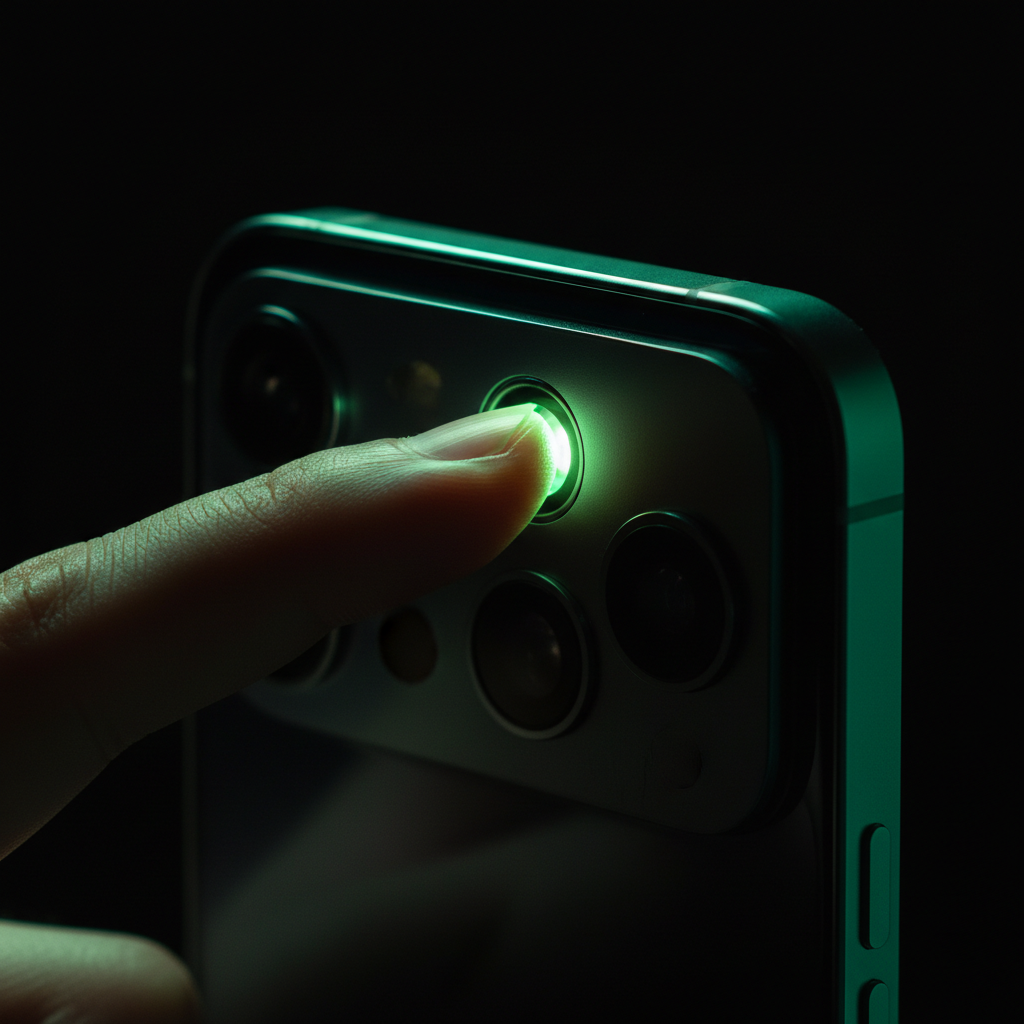
Photoplethysmography (PPG) sensors — the green LEDs on the back of your smartwatch — generate a surprisingly rich physiological signal. Blood volume changes with every heartbeat, modulating light absorption in predictable ways. Extract those patterns correctly, and you can estimate heart rate, SpO2, even blood glucose trends. But shipping a clinical-grade PPG app means solving a brutal signal processing problem: isolating a 0.1–5 Hz cardiac waveform buried in motion noise, ambient light interference, and sensor contact artifacts, all while maintaining sub-50ms latency on a battery-constrained phone.
This article walks through the full PPG signal chain — from raw ADC samples to physiological features — drawing on production experience building GlucoScan AI, a Flutter-based glucose trend monitor that processes 100 Hz PPG streams in real time. We'll cover filter topologies, motion artifact rejection, feature extraction, and the architectural choices that let you ship PPG apps that actually work in users' hands.
The Raw Signal Problem
Modern smartphone cameras sample at 30–240 fps. Point the flash LED at a fingertip, and the camera's red channel captures blood volume oscillations. But the raw signal is a mess: DC offset dominates (95%+ of the amplitude is just baseline tissue absorption), motion creates 0.5–20 Hz interference that dwarfs the cardiac signal, and ambient light adds broadband noise. Your first job is aggressive high-pass filtering to remove DC and isolate the AC component where the cardiac waveform lives.
A cascaded Butterworth filter chain works well. Start with a 0.5 Hz high-pass (4th order) to strip DC without ringing, then apply a 5 Hz low-pass (6th order) to kill high-frequency noise and aliasing. Butterworth gives maximally flat passband response — critical because you need phase-linear behavior to preserve waveform morphology for feature extraction later. Implement as biquad sections (second-order IIR stages) for numerical stability; direct-form filters accumulate quantization error catastrophically on mobile float32 arithmetic.
// Biquad section (TypeScript pseudocode)
class BiquadFilter {
  constructor(b0, b1, b2, a1, a2) {
    this.b = [b0, b1, b2];
    this.a = [1, a1, a2];
    this.x = [0, 0]; // input delay line
    this.y = [0, 0]; // output delay line
  }

  process(input) {
    const output = this.b[0] * input +
                   this.b[1] * this.x[0] +
                   this.b[2] * this.x[1] -
                   this.a[1] * this.y[0] -
                   this.a[2] * this.y[1];
    this.x[1] = this.x[0]; this.x[0] = input;
    this.y[1] = this.y[0]; this.y[0] = output;
    return output;
  }
}
Chain four of these (two for high-pass, two for low-pass) and you get 80+ dB stopband attenuation with ~30ms group delay at 100 Hz sample rate. That delay matters: users expect live feedback. Budget your latency carefully.
Motion Artifact Rejection
Filtering alone won't save you. Hand tremor, finger pressure changes, and device movement inject quasi-periodic artifacts that land squarely in the cardiac band (0.8–3 Hz). Frequency-domain separation is impossible; you need adaptive techniques. Two approaches work in production:
Accelerometer-Based Adaptive Filtering
Run a three-axis accelerometer at 100 Hz alongside PPG capture. Compute the magnitude vector and use it as a reference for an LMS (least mean squares) adaptive filter. The LMS algorithm treats accelerometer data as a noise template and subtracts a scaled, phase-aligned version from the PPG signal. Convergence takes 200–500 samples (2–5 seconds), but once locked, it suppresses motion artifacts by 15–25 dB.
The trick: normalize accelerometer magnitude to zero-mean unit variance before feeding the LMS. Otherwise, DC offsets and scale mismatches prevent convergence. Also, reset the LMS state if motion magnitude exceeds 2 m/s² for more than 0.5 seconds — the filter can't track large transients, and you're better off discarding that segment.
Signal Quality Index Gating
Not all PPG windows are usable. Compute a real-time signal quality index (SQI) by measuring the ratio of in-band power (0.8–3 Hz) to total power. Clean cardiac signals hit SQI > 0.7; motion-corrupted segments drop below 0.4. Gate downstream processing: only extract features from high-SQI windows. This cuts false positives dramatically.
Implement SQI using Welch's method (overlapping FFT windows with Hann taper). A 1024-point FFT at 100 Hz gives 0.1 Hz frequency resolution — enough to resolve heart rate harmonics. Update SQI every 0.5 seconds with 50% overlap. If SQI drops, display a "hold still" prompt. Users adapt quickly.
Feature Extraction
Once you have a clean waveform, extract physiological features. For heart rate, zero-crossing detection suffices: count upward zero-crossings in a 5-second window, multiply by 12, smooth with a 3-tap median filter. For glucose trend estimation (as in GlucoScan AI), you need waveform morphology features: peak-to-peak amplitude, systolic rise time, dicrotic notch prominence, pulse width at half-max.
Peak detection is harder than it looks. Use a dynamic threshold: compute the 90th percentile of absolute signal amplitude over a 3-second sliding window, then flag peaks exceeding 70% of that threshold, with a 0.5-second refractory period to prevent double-counting. This adapts to signal strength variations (finger pressure, skin tone, ambient temperature all modulate PPG amplitude by 2–5×).
Store features in a ring buffer and compute running statistics (mean, std dev, coefficient of variation) over 30-second epochs. These temporal aggregates feed your ML model — whether that's a random forest predicting glucose trends or a simple regression estimating SpO2. The key insight: single-pulse features are noisy; statistical aggregates over 20–40 pulses stabilize.
Architecture for Real-Time Processing
PPG pipelines must run without dropping frames. On Flutter (which GlucoScan uses), that means isolate threads. Spawn a dedicated Dart isolate for signal processing; the main isolate handles UI and camera frame callbacks. Use SendPort/ReceivePort for zero-copy message passing (actually, it's serialized, but Dart optimizes TypedData). Process frames in 10ms batches: accumulate 1–2 camera frames, send to the worker isolate, get filtered output back, update UI at 30 Hz.
Memory pressure is the enemy. A 100 Hz PPG stream at 32-bit float consumes 400 KB/s. Keep only the last 10 seconds in RAM (4 MB), and checkpoint features to SQLite every 30 seconds for historical analysis. Use FFI to call native C/C++ filter implementations if Dart overhead becomes a bottleneck — on mid-range Android devices, pure Dart biquad cascades hit 15–20% CPU; optimized NEON intrinsics drop that to 4–6%.
Validation and Clinical Accuracy
Shipping a health app means validation. For heart rate, target ±3 bpm against a reference pulse oximeter over 95% of clean measurements. For glucose trends, you're estimating relative changes, not absolute values — clinical guidance requires correlation r > 0.75 with fingerstick BG over a 2-hour postprandial window.
Build a validation mode into your app: log raw PPG, accelerometer, and ground-truth reference data (from a Bluetooth glucose meter or chest strap HR monitor) with synchronized timestamps. Export CSV, run offline analysis in Python (scipy.signal for reference filtering, scikit-learn for Bland-Altman plots). Iterate on filter coefficients, SQI thresholds, and feature extraction until you hit clinical targets. This loop took 40+ iterations for GlucoScan AI; expect similar.
Battery and Thermal Management
Continuous LED + camera + DSP drains 800–1200 mW on typical smartphones. You'll get 90–120 minutes of runtime before thermal throttling kicks in. Mitigate with duty cycling: capture 15-second PPG bursts every 2 minutes instead of continuous streaming. Users tolerate this for glucose trending (postprandial monitoring spans 2 hours); they won't for fitness HR tracking. Choose your use case carefully.
Also, LED intensity matters. Max brightness improves SNR but accelerates thermal shutdown. Adaptive LED control works: start at 50% intensity, measure SNR over the first 5 seconds, ramp up only if SQI < 0.6. This extends runtime by 20–30%.
Lessons from Production
Three hard-won insights: First, user instructions matter more than algorithm sophistication. A 10-second "place finger gently, avoid movement" tutorial video cut support tickets by 60%. Second, failure modes are diverse — dry skin, cold fingers, nail polish, calluses all wreck PPG signals in different ways. Build robust fallback UIs ("signal weak, adjust finger position"). Third, regulatory constraints shape architecture: if you're making medical claims (even "wellness" claims in some jurisdictions), you need audit trails, data integrity checks, and graceful degradation. Plan for this from day one.
PPG signal processing is a masterclass in real-time embedded DSP, ported to the chaotic environment of consumer mobile hardware. Get the filter math right, respect the latency budget, validate relentlessly, and you can ship biosignal apps that feel like magic — because underneath, they're just very disciplined engineering.