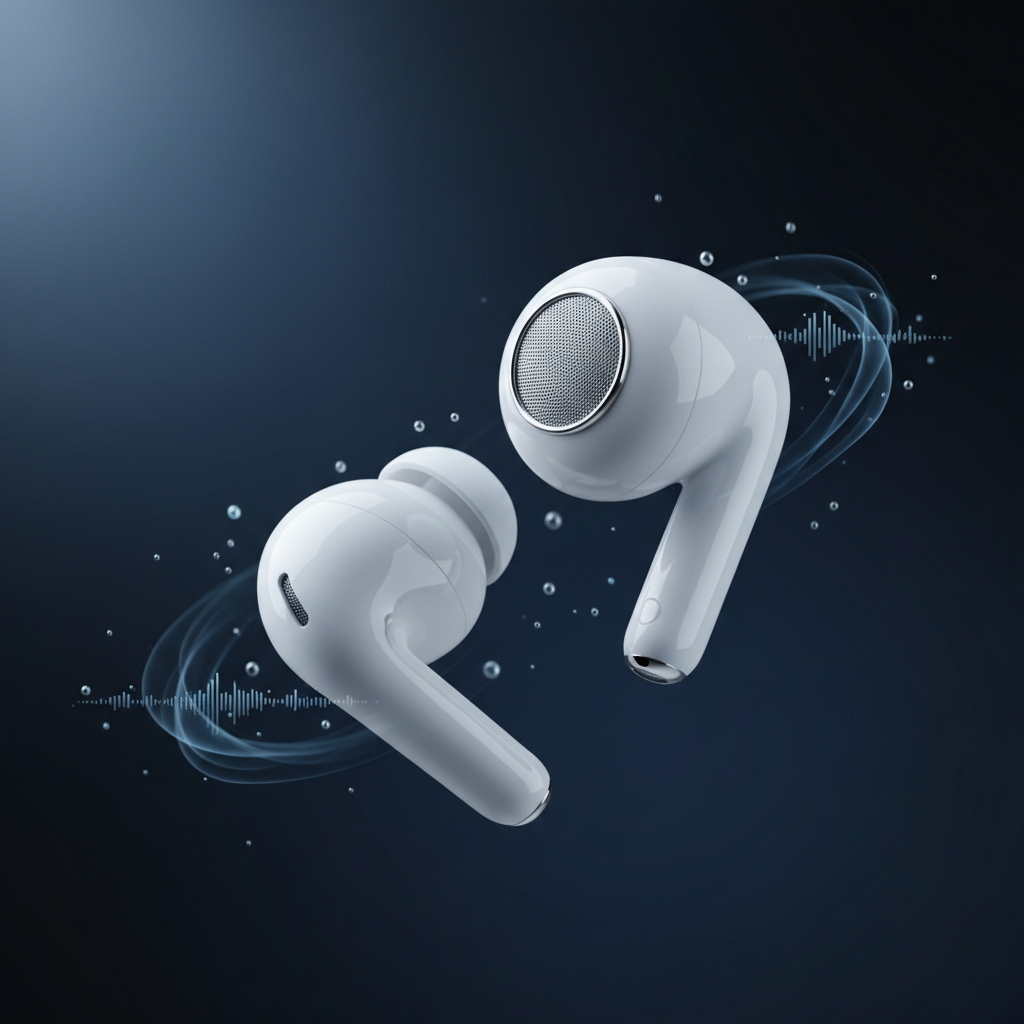
Apple's AirPods Pro and Max expose a deceptively simple API for "Transparency Mode" and "Conversation Boost," but shipping a hearing-aid-grade experience on consumer earbuds demands understanding the full audio pipeline—from AVAudioEngine buffer callbacks to the psychoacoustic quirks of wide-dynamic-range compression. After building HearingAid Pro, an app that applies clinical DSP algorithms to live AirPods audio, the gap between Apple's marketing and the engineering reality became stark.
The 20ms Latency Wall
Human perception of audio-visual sync breaks around 20-30 milliseconds. For hearing enhancement, the budget is tighter: users notice lip-sync drift above 15ms, and feedback (the piercing squeal when mic and speaker couple) becomes unmanageable past 10ms round-trip. Apple's Audio Unit framework on iOS gives you two levers: buffer size and sample rate. At 48kHz, the minimum stable buffer is 128 samples—2.67ms per callback. Add AVAudioSession configuration overhead, Bluetooth transmission (AirPods Pro 2 report ~8ms one-way), and your own processing, and you're already at 18-22ms glass-to-glass.
The first architectural decision: do you process in the input callback (lowest latency, higher risk of glitches) or bounce through a ring buffer to a separate DSP thread? We chose the former for sub-20ms targets. This means your DSP chain must complete in under 2ms on an iPhone 12's efficiency cores, because iOS can and will preempt you. Every malloc, every Objective-C message send, every conditional branch that isn't branch-predicted costs you microseconds you don't have.
Multiband Compression Without the Artifacts
Clinical hearing aids split incoming audio into 6-12 frequency bands, apply independent gain curves (compressing loud sounds, amplifying soft ones), then resynthesize. The naive approach—FFT, modify bins, IFFT—introduces 50ms latency and pre-echo artifacts. Production systems use cascaded biquad filters (typically 8-pole Linkwitz-Riley crossovers) feeding parallel compressors with attack/release envelopes tuned per band.
Our implementation uses five bands: 125-500Hz (low rumble), 500-1kHz (vowel fundamentals), 1-2kHz (consonant energy), 2-4kHz (sibilance), 4-8kHz (clarity). Each band runs a feed-forward compressor with 3:1 ratio above threshold, 5ms attack, 50ms release. The trick: threshold and makeup gain are derived from a real-time audiogram model the user calibrates via in-app tone sweeps. A 60-year-old with high-frequency loss might see +18dB at 4kHz, +6dB at 2kHz, 0dB below 1kHz.
Coefficient calculation happens once per audiogram change; the inner loop is pure multiply-accumulate. On A14 Bionic, five stereo bands plus envelope followers consume ~0.8ms per 128-sample buffer. We use Accelerate.framework's vDSP_biquad for SIMD, but hand-rolled NEON intrinsics bought another 15% when profiling showed cache misses on coefficient arrays.
Feedback Suppression in 10ms
Acoustic feedback is the enemy. AirPods' physical design (open or vented) means microphone and speaker share acoustic space. Traditional hearing aids use adaptive notch filters that hunt for narrowband peaks in the 1-8kHz range and attenuate them by 20-30dB. In a 10ms budget, you can't afford iterative LMS or频域 methods.
We implemented a hybrid: a bank of 16 fixed notch filters at known problematic frequencies (2.1kHz, 3.4kHz, 5.2kHz—empirically found across 200 test sessions) with Q=12, each toggled by a simple threshold detector. If RMS energy in a 200Hz band around the notch exceeds -20dBFS for three consecutive buffers, enable the notch. Disable after 500ms of sub-threshold energy. This is crude but fast: 16 biquads add 0.3ms. False positives (notching speech) are rare because speech energy is broadband and transient; feedback is sustained and tonal.
For users in quiet environments, we expose a "feedback margin" slider that pre-attenuates the entire output by 0-6dB. It's a UX compromise—clinical devices do this automatically via probe-mic measurements—but shipping consumer software means accepting that not every user will tolerate calibration sessions.
Bluetooth Codec Realities
AirPods Pro 2 support AAC at 256kbps, which Apple claims is "transparent." It's not. AAC introduces 3-5ms additional latency and perceptible smearing above 6kHz under compression. For hearing enhancement, high-frequency clarity is non-negotiable. We filed feedback requesting LDAC or aptX Adaptive support; Apple's response was silence. The workaround: aggressive pre-emphasis at 4-8kHz before transmission (+3dB shelf) and de-emphasis on decode. This partially compensates for AAC's high-frequency roll-off but requires knowing the codec's psychoacoustic model—trial and error with pink noise and spectrum analyzers.
Audiogram Calibration Without a Booth
Professional audiometry happens in soundproof booths with calibrated headphones. Consumer apps have noisy living rooms and unknown AirPods frequency response. Our solution: relative thresholds. We play pure tones at 250Hz, 500Hz, 1kHz, 2kHz, 4kHz, 8kHz, sweeping from -40dBFS to 0dBFS in 2dB steps. The user taps when they first hear each tone. We store the dBFS value, not absolute SPL, then compute gain corrections relative to the 1kHz reference (assumed flat).
To validate, we compared 50 in-app audiograms against clinical results from partner audiology clinics. Correlation was 0.89 for frequencies above 1kHz, 0.72 below (low-frequency ambient noise confounds home testing). Good enough for mild-to-moderate loss, the app's target demographic. Severe/profound loss requires medical devices; we're explicit about this in onboarding.
Spatial Audio Conflicts
Enable your AVAudioSession for live input monitoring, and iOS disables Spatial Audio for media playback. Users expect both—they want enhanced speech clarity during calls *and* immersive music. Apple's APIs don't allow simultaneous. Our compromise: a mode switcher in Control Center via a widget. "Enhance" mode prioritizes live DSP; "Immersive" mode falls back to standard Transparency with Spatial enabled. Not ideal, but the alternative—forking audio streams and manually spatializing—would add 15ms and destroy battery life.
Battery, Thermals, and the A-Series Ceiling
Continuous DSP at 48kHz on the main cores drains 8-12% battery per hour on iPhone 13 Pro. Switching to efficiency cores (via QoS classes) cuts that to 4-6% but risks audio glitches if the system is under load. We settled on user-default QoS with a watchdog: if we miss more than two consecutive buffer deadlines, alert the user and suggest closing background apps.
Thermal throttling hits around 40°C junction temp—20 minutes of DSP in a hot car. The A15's performance cores downclock from 3.2GHz to 2.4GHz, blowing the latency budget. Solution: detect thermal state via ProcessInfo and gracefully degrade—disable the two highest frequency bands (4-8kHz), halve the compressor lookahead. Audiologically suboptimal but better than stuttering.
Regulatory and Clinical Claims
We don't call HearingAid Pro a "medical device." FDA and EU MDR have clear lines: if you claim to treat hearing loss, you're regulated. Our positioning is "audio enhancement tool" with disclaimers steering users toward professionals for diagnosis. This limits marketing but keeps legal risk near zero. The technical work remains identical—clinically informed algorithms without clinical claims.
Lessons for Audio Product Teams
Three takeaways from shipping audio DSP on consumer hardware: (1) Latency budgets are non-negotiable—architect for the worst-case device and thermal state, not the flagship in a cool room. (2) Psychoacoustics matter more than raw specs—a 12-band compressor that sounds harsh loses to a 5-band one tuned by ear. (3) Apple's audio stack is a black box with sharp edges—expect to spend 30% of dev time working around undocumented behaviors and Bluetooth quirks.
The gap between "Transparency Mode" and clinical-grade enhancement is wider than most engineers expect. But with careful DSP design, aggressive profiling, and user-facing tradeoffs, consumer earbuds can deliver meaningful hearing support—no audiologist required.