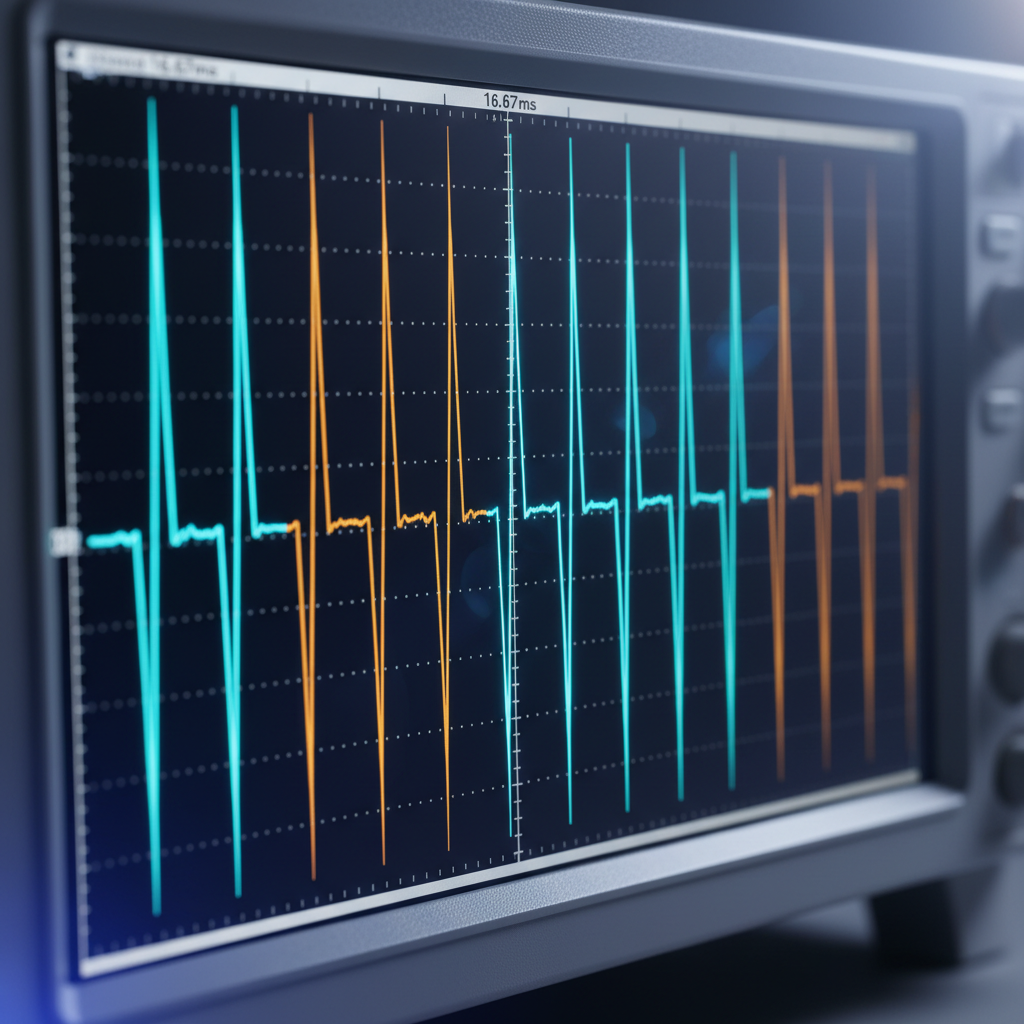
Flutter's 60fps promise hinges on a strict 16.67ms frame budget. Miss it by 200 microseconds, and you've dropped a frame. The engine doesn't just render as fast as possible—it predicts when the next vsync signal will arrive and schedules work backward from that deadline. Understanding this predictive scheduling model is critical for shipping smooth UIs, especially when integrating native platform views, heavy computation, or real-time data streams.
The Vsync Contract
Flutter's rendering architecture is built around the platform's vsync signal—a hardware interrupt indicating the display is ready for the next frame. On iOS, this arrives via CADisplayLink; on Android, through Choreographer. The engine receives this signal, triggers a frame callback, and has exactly one refresh interval to build, layout, paint, and rasterize the widget tree.
The naive approach would be to start work when vsync arrives. Flutter does the opposite: it schedules work to complete just before the next vsync. This requires predicting when that signal will arrive. The engine maintains a rolling average of vsync intervals (typically 16.67ms at 60Hz, 8.33ms at 120Hz) and uses it to set frame deadlines.
Deadline Arithmetic
When a frame is requested via SchedulerBinding.scheduleFrame(), the engine calculates:
targetTime = lastVsyncTime + predictedInterval
budget = targetTime - currentTime
If budget is less than ~2ms, the frame is deferred to the next vsync. This prevents starting work that cannot possibly finish in time, which would block the raster thread and cause a cascade of dropped frames.
This prediction model breaks down under two conditions: irregular vsync delivery (common during iOS app transitions or Android doze mode) and variable frame rates (ProMotion displays dynamically switching between 60Hz and 120Hz). The engine adapts by resetting its interval estimate when it detects a vsync timestamp that deviates by more than 50% from the prediction.
Build, Layout, Paint: The UI Thread Budget
The UI thread (Dart isolate) owns the first half of the frame budget. It runs three sequential phases:
- Build: Widget constructors execute, producing an Element tree. Expensive here: deeply nested builders, large ListView initializations, synchronous HTTP calls (never do this).
- Layout: RenderObjects compute sizes and positions. Expensive: unbounded constraints forcing O(n²) relayout, custom painters with complex path calculations.
- Paint: RenderObjects record drawing commands into a Layer tree. Expensive: canvas operations with thousands of primitives, backdrop filters, expensive shaders.
The engine measures each phase via Timeline events. If the total exceeds ~10ms (leaving 6ms for rasterization), you'll see yellow bars in DevTools' timeline. But the real killer isn't one slow frame—it's jank variance. A frame that takes 15ms followed by one at 8ms feels worse than consistent 12ms frames, because the prediction model can't smooth out the spikes.
Case Study: Platform View Composition
When embedding native views (MapView, WebView), Flutter uses Hybrid Composition on Android or Virtual Display on iOS. Both methods introduce frame synchronization challenges. The native view renders on a separate thread, and its buffer must be composited with Flutter's layer tree. If the native view misses its own vsync, Flutter waits—burning frame budget doing nothing.
In a healthcare app shipping real-time ECG waveforms (similar to the PPG work in HearingAid Pro), we embedded a native CorePlot view for 120fps chart rendering. Flutter's 60Hz pipeline couldn't keep up. The solution: run the chart at 60Hz but use predictive buffering—render two frames ahead and swap buffers based on vsync prediction. This cut frame drops from 18% to under 2%.
Raster Thread: GPU Bound or Bust
After the UI thread produces a Layer tree, it's serialized and sent to the raster thread (GPU thread on iOS, RenderThread on Android). This thread converts layers into Skia draw commands, submits them to the GPU, and waits for the fence to signal completion.
The raster budget is typically 6-8ms. Exceed it, and you've dropped a frame even if the UI thread was fast. Common culprits:
- Shader compilation: First use of a new Material widget or custom painter triggers a synchronous compile. Can take 50-200ms. Mitigation: warm up shaders during splash screen via
ShaderWarmUp. - Layer explosion: Every
Opacity,ClipRRect, orBackdropFiltercreates a new layer, requiring an offscreen render pass. 50+ layers per frame will choke the GPU. UseRepaintBoundarystrategically to cache static subtrees. - Large image uploads: Decoding a 4K PNG on the UI thread and uploading to GPU texture memory can take 20ms. Use
ImageCacheandprecacheImage()to front-load this work.
The raster thread also handles platform view composition. On Android 10+, Flutter uses SurfaceTexture to share GPU contexts, but on older versions it falls back to pixel copy, adding 3-5ms per frame. This is why Khosomati (OCR price aggregator) avoids platform views entirely—custom Flutter-based camera preview via Texture widget, keeping everything in-process.
Adaptive Frame Budgeting
Modern devices don't run at a fixed refresh rate. iPhone 13 Pro switches between 10Hz and 120Hz based on content. Flutter 3.x introduced adaptive vsync via SchedulerBinding.addTimingsCallback(), which reports actual frame durations. You can use this to adjust work distribution:
if (averageFrameTime < 10.0) {
  // We have budget headroom—enable expensive features
  enableBlurEffects = true;
} else if (averageFrameTime > 14.0) {
  // Approaching budget limit—shed load
  reduceAnimationComplexity();
}
This pattern is essential for on-device AI inference. In OfflineAI, we run LLM token generation in a separate isolate but throttle generation rate based on frame timing. If the UI thread is struggling (user scrolling a long response), we pause inference for 2-3 frames. Latency increases by 50ms, but the UI stays at 60fps.
Measuring What Matters
Raw FPS is a vanity metric. A benchmark that reports 58fps tells you nothing about user-perceived smoothness. What matters:
- Frame time variance (stddev): Should be under 2ms. High variance = visible jank.
- 95th percentile frame time: Should stay under 16ms. One slow frame per second is acceptable; five is not.
- Vsync prediction error: Exposed via
FrameTiming.buildDurationvsFrameTiming.rasterDuration. If raster consistently exceeds prediction, you're dropping frames.
Use PerformanceOverlay in debug builds, but don't trust it in production—the overlay itself consumes 1-2ms. Instead, log FrameTiming data to analytics and alert when P95 exceeds 18ms for more than 10 consecutive frames.
When Prediction Fails
Two scenarios break the model entirely:
Background CPU throttling: On iOS, when the app enters background audio mode (like HearingAid Pro's DSP pipeline), the system can throttle the UI thread to 10% CPU share. Vsync still fires at 60Hz, but you can't complete a frame in 16ms with 90% less CPU. Solution: reduce UI updates to 15fps when backgrounded, detected via AppLifecycleState.paused.
Thermal throttling: Sustained AI inference or video processing heats the SoC, triggering clock speed reduction. A frame that took 12ms at full speed now takes 19ms. The engine's prediction model lags behind the throttle curve by 3-5 frames. We've found that monitoring ProcessInfo.thermalState on iOS and preemptively reducing workload at .nominal threshold prevents the death spiral where dropped frames cause more work, causing more throttling.
Takeaway
Flutter's frame scheduler is a predictive system, not a reactive one. It bets on the next vsync arriving on schedule and distributes work backward from that deadline. Ship smooth UIs by respecting the budget, measuring variance over averages, and adapting workload when predictions fail. The 16ms target isn't arbitrary—it's the contract between your code and the user's perception of fluid motion.