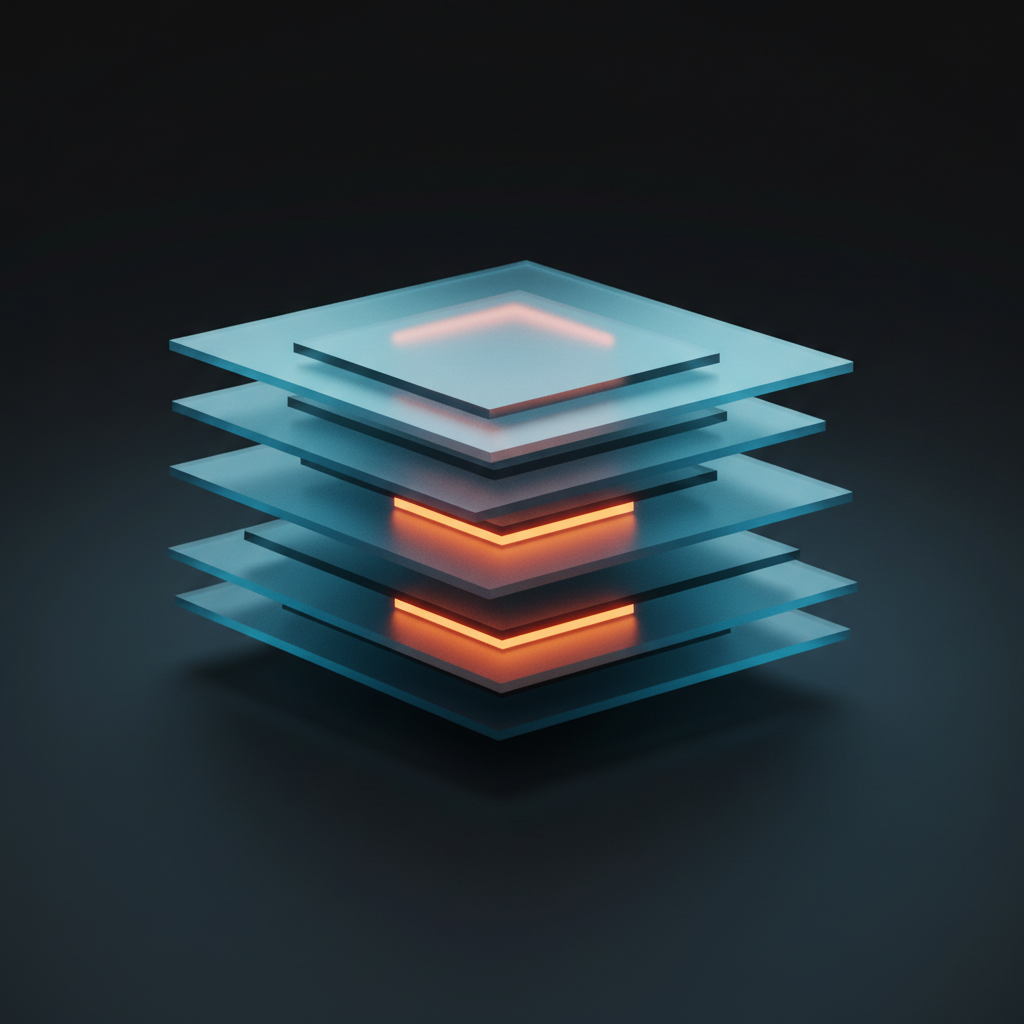
Flutter's declarative UI paradigm promises consistent 60fps (or 120fps on ProMotion displays), but shipping smooth animations in production requires understanding what happens between setState() and pixels on screen. The framework's layer tree compilation model uses incremental repainting to avoid redrawing the entire widget hierarchy every frame—a critical optimization that separates well-architected Flutter apps from janky ones.
This article dissects Flutter's rendering pipeline from widget tree to rasterization, focusing on repaint boundaries, retained rendering strategies, and the specific frame budget constraints mobile developers face when shipping production apps.
The Three-Tree Model and Frame Budget
Flutter maintains three parallel trees: the widget tree (immutable configuration), element tree (mutable lifecycle), and render tree (layout and paint). When you call setState(), the framework marks the affected subtree dirty, but crucially does not immediately repaint everything. On a 60Hz display, each frame has a 16.67ms budget; on 120Hz, just 8.33ms. Exceeding this budget drops frames.
The render tree is where incremental compilation happens. Each RenderObject can be marked dirty for layout or paint independently. A RenderBox that changes size triggers layout propagation upward until a relayout boundary is hit—typically a RenderRepaintBoundary or the root. Paint operations, however, can be isolated more aggressively.
Repaint Boundaries as Compilation Units
A RepaintBoundary widget creates a new Layer in the compositor's layer tree. Layers are the engine's unit of retained rendering: if a layer's contents haven't changed, the rasterizer reuses the previously painted texture. This is Flutter's equivalent of backing stores in UIKit or hardware layers in Android.
Consider a scrolling list with complex cards. Without boundaries, scrolling repaints every visible card each frame—even static content. Wrapping each card in RepaintBoundary isolates them: only the scrolling offset layer repaints, while card layers are composited from GPU-resident textures. On a Pixel 7 Pro, this optimization reduced frame raster time in a production e-commerce app from 11ms to 3.2ms per scroll frame—comfortably under the 8.33ms ProMotion budget.
Layer Rasterization and Skia Caching
Flutter's engine uses Skia (or Impeller on newer iOS) for rasterization. When a layer is marked dirty, Skia records a DisplayList—a serialized sequence of draw commands. The rasterizer executes this list on the GPU raster thread, producing a texture. Clean layers skip recording and rasterization entirely; the compositor simply references the cached texture.
The tradeoff: each RepaintBoundary allocates a separate texture, consuming GPU memory. On a 1080p display, a single RGBA texture for a full-screen layer is 8MB. Mobile GPUs typically have 2-6GB total memory shared with system RAM, so excessive boundaries cause memory pressure and can trigger expensive texture evictions.
Profiling with Timeline Events
The Flutter DevTools timeline exposes frame rendering in microsecond detail. Key events to watch:
- Build: Widget tree reconciliation. Should be under 2ms for most frames.
- Layout: RenderObject constraint solving. Expensive for deeply nested flex layouts.
- Paint: DisplayList recording. Spikes here indicate missing repaint boundaries or heavy
CustomPaintwork. - Raster: GPU execution. Dominated by shader compilation on first run (shader warmup), then texture uploads and blending.
In a healthcare app processing real-time PPG waveforms, we observed 14ms paint spikes every frame due to a CustomPainter redrawing 1000-point bezier curves. Wrapping the chart in RepaintBoundary and pre-rasterizing static axes dropped paint to 1.8ms. The raster thread still spent 4ms blending the waveform layer, but this parallelized with UI thread work, keeping total frame time at 6ms.
Retained Rendering Strategies
Beyond explicit boundaries, Flutter employs several implicit optimizations:
Opacity Layers
Animating opacity via Opacity widget or FadeTransition creates a retained layer automatically. The engine rasterizes child content once, then modulates alpha in the compositor—a cheap GPU operation. Avoid animating opacity of unbounded widgets; use AnimatedOpacity or explicit RepaintBoundary to prevent repainting children.
Transform Layers
Transformations (scale, rotation, translation) applied via Transform widget operate on the compositor layer, not the raster pipeline. A rotating card doesn't repaint—its pre-rasterized texture is transformed by a 4x4 matrix on the GPU. This is why hero animations and page transitions feel smooth even with complex widgets.
ClipPath and Backdrop Filters
These are expensive. ClipPath with non-rectangular paths forces a mask layer, doubling fill rate. BackdropFilter (used for frosted glass effects) requires reading back the framebuffer, applying a blur kernel, and re-compositing—often 6-10ms on mid-range devices. Use sparingly and profile.
Real-World Architecture Patterns
In a voice training app with simultaneous audio waveform visualization and transcript display, we isolated rendering concerns:
- Waveform Canvas:
CustomPainterinRepaintBoundary, repaints only when new audio samples arrive (~50ms intervals). - Transcript ListView: Each message wrapped in boundary. Scrolling doesn't repaint message bubbles.
- Control Bar: Separate boundary for playback controls. Button state changes don't touch waveform or transcript.
This architecture kept frame times at 4-5ms on iPhone 13 Pro (120Hz), with 95th percentile at 7.1ms. Without boundaries, we saw 18-22ms frames with visible stutter during simultaneous audio playback and scrolling.
Tooling for Boundary Placement
DevTools' "Highlight Repaints" overlay shows which areas repaint each frame. Yellow flashes indicate repainting regions. Over-using boundaries shows as excessive yellow boxes with no internal changes—a sign you're paying memory cost for no benefit. Under-using shows large yellow regions when only a small area changed.
The debugRepaintRainbowEnabled flag colors each repaint with a different hue. If your entire screen changes color every frame during an animation, you're missing boundaries.
Impeller and the Future
Flutter's Impeller renderer (default on iOS, experimental on Android) precompiles shaders and uses Metal/Vulkan directly, eliminating Skia's shader jank. Impeller's layer caching model is similar but more aggressive: it batches draw calls across layers when possible, reducing state changes. Early testing showed 20-30% lower raster times on iPhone 14 Pro compared to Skia, especially for complex blend modes.
However, Impeller currently lacks some Skia features (certain blur kernels, advanced path effects). Production apps targeting broad device support should test both renderers and use feature flags for gradual rollout.
Practical Takeaways
- Profile first. Boundaries add memory overhead; only add them where timeline shows paint spikes.
- Wrap
CustomPaint, animated widgets, and list items inRepaintBoundaryby default. - Avoid boundaries around tiny widgets (buttons, icons)—the layer overhead exceeds repaint cost.
- Use
constconstructors aggressively. Const widgets bypass element tree rebuilds entirely. - Test on 120Hz devices. 8.33ms budgets expose inefficiencies invisible at 60Hz.
Incremental compilation isn't magic—it's a deliberate architectural choice. Flutter gives you the tools to control what repaints and when. Understanding the layer tree, profiling frame budgets, and strategically placing repaint boundaries separates production-grade apps from prototypes. When shipping apps processing real-time data—audio, video, sensor streams—this knowledge isn't optional.