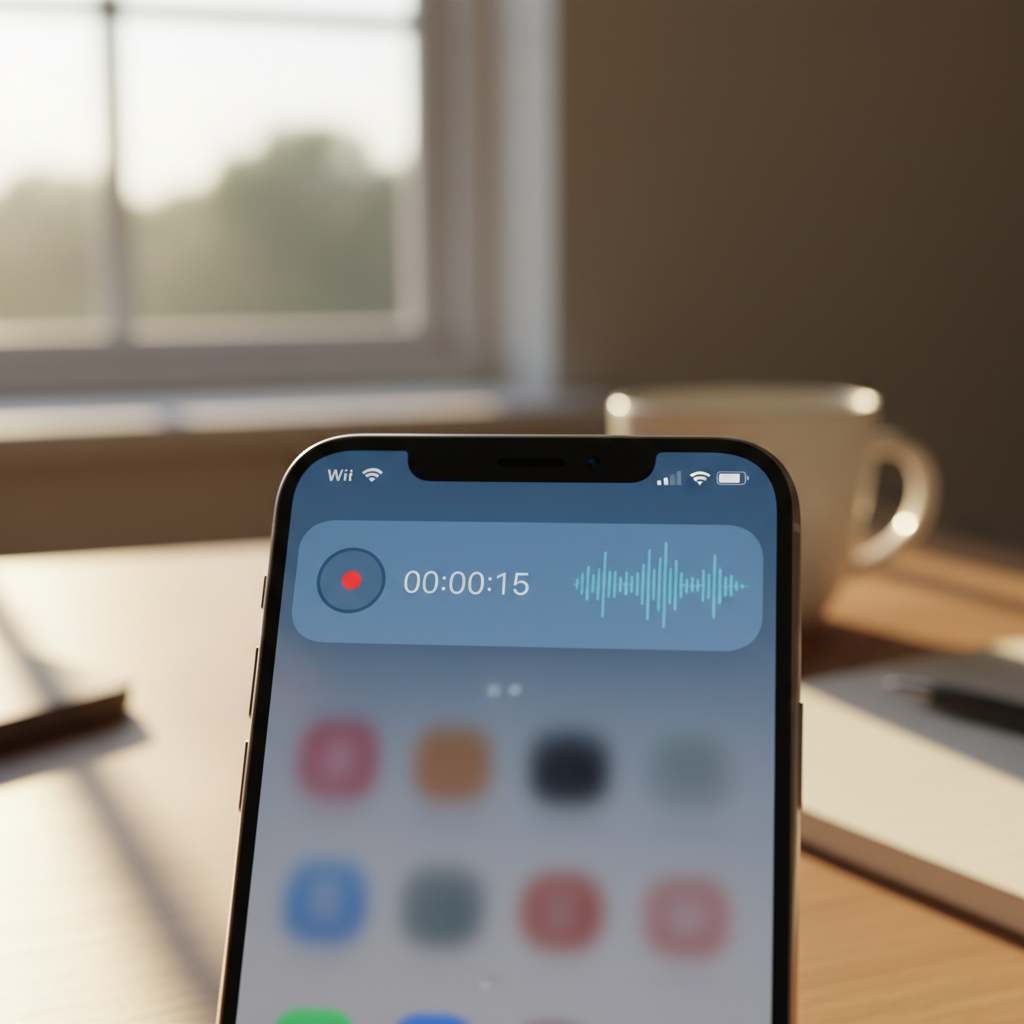
Android 14 introduced the most restrictive foreground service policy changes since Oreo's background execution limits. Apps that worked flawlessly on Android 13 now crash with ForegroundServiceStartNotAllowedException or silently stop recording audio after the user locks the screen. The culprit: tighter enforcement of service types, mandatory user-initiated contexts, and aggressive background restrictions that kill long-running tasks even when users explicitly want them running.
This shift affects a specific class of apps—voice recorders, fitness trackers, navigation tools, and health monitors—that require sustained background execution. If you've shipped a Flutter, React Native, or native Android app with foreground services, Android 14's rules demand architectural rethinking. Here's what changed, why legacy patterns fail, and how to build resilient service lifecycles.
The New Service Type Regime
Prior to Android 14, declaring android:foregroundServiceType in the manifest was advisory. The system granted broad latitude: a single microphone type could cover audio recording, voice calls, and even unrelated background work. Android 14 enforces strict service type matching. If your service declares microphone but accesses location APIs, the system throws SecurityException. If you declare location but start the service without an active user interaction, you hit ForegroundServiceStartNotAllowedException.
The eight recognized types—camera, connectedDevice, dataSync, health, location, mediaPlayback, mediaProjection, microphone, phoneCall, remoteMessaging, shortService, specialUse, and systemExempted—now map to specific permission and use-case audits. A fitness app tracking runs must declare location and prove it's user-initiated. A hearing aid app processing live audio must declare microphone and maintain an active notification. Combining types is allowed but triggers stricter scrutiny: location|health requires both location permissions and health sensor access within the service's active window.
User-Initiated Context Requirement
The most disruptive change: foreground services must start from a "user-initiated context." This means:
- An active
Activityin the foreground - A tap on a notification action (via
PendingIntent) - A user-visible quick settings tile
- A
JobSchedulerjob withsetExpedited(true)and user confirmation
Starting a service from Application.onCreate(), a broadcast receiver responding to BOOT_COMPLETED, or a WorkManager job now fails unless the app has an exemption (system app, device owner, or active mediaPlayback session). This breaks patterns where apps auto-resume background tasks after a reboot or network reconnect.
Architectural Patterns That Survive
Pattern 1: Explicit User Handoff
In a voice recorder app, the user taps "Record." The Activity immediately starts the foreground service while still in the foreground, then finishes. The service posts a persistent notification with "Stop" and "Pause" actions. Each action's PendingIntent can restart the service if needed (e.g., resuming from pause) because the tap qualifies as user-initiated.
// Kotlin
class RecordActivity : AppCompatActivity() {
  override fun onCreate(savedInstanceState: Bundle?) {
    super.onCreate(savedInstanceState)
    val intent = Intent(this, RecordingService::class.java)
    ContextCompat.startForegroundService(this, intent)
    // Activity can finish immediately; service holds the notification
    finish()
  }
}

class RecordingService : Service() {
  override fun onStartCommand(intent: Intent?, flags: Int, startId: Int): Int {
    val notification = buildNotification()
    if (Build.VERSION.SDK_INT >= Build.VERSION_CODES.UPSIDE_DOWN_CAKE) {
      startForeground(1, notification, FOREGROUND_SERVICE_TYPE_MICROPHONE)
    } else {
      startForeground(1, notification)
    }
    startRecording()
    return START_STICKY
  }
}
Key: startForeground() must be called within five seconds of onStartCommand(). Delayed notification posting triggers ANR or service kill.
Pattern 2: Foreground Service Demotion
For apps that need periodic background work (e.g., syncing health data every 15 minutes), replace foreground services with WorkManager expedited jobs. Android 14 allows expedited jobs to run immediately if the app has battery optimization disabled or the job is user-triggered. For guaranteed execution, prompt users to disable battery optimization via REQUEST_IGNORE_BATTERY_OPTIMIZATIONS.
// Kotlin
val syncRequest = OneTimeWorkRequestBuilder<HealthSyncWorker>()
  .setExpedited(OutOfQuotaPolicy.RUN_AS_NON_EXPEDITED_WORK_REQUEST)
  .build()
WorkManager.getInstance(context).enqueue(syncRequest)

class HealthSyncWorker(ctx: Context, params: WorkerParameters) : CoroutineWorker(ctx, params) {
  override suspend fun doWork(): Result {
    // Runs with elevated priority, ~10 min execution window
    syncHealthData()
    return Result.success()
  }
}
This pattern avoids foreground service overhead but requires user education: "Allow app to run in background" is not intuitive.
Pattern 3: Split Services by Type
In a navigation app that records audio turn-by-turn instructions while tracking GPS, declare two services: one with location, one with microphone. Start both from the same user action. Each maintains its own notification (Android 14 allows notification grouping to reduce clutter).
// Manifest
<service android:name=".NavigationService"
  android:foregroundServiceType="location" />
<service android:name=".VoiceGuidanceService"
  android:foregroundServiceType="microphone" />

// Activity
startForegroundService(Intent(this, NavigationService::class.java))
startForegroundService(Intent(this, VoiceGuidanceService::class.java))
Tradeoff: two services consume more memory (~8MB baseline each) and complicate lifecycle coordination. Use a shared ViewModel or event bus to synchronize state.
Testing Strategy
Android 14's restrictions surface in specific conditions: user locks screen, app moves to background for >10 seconds, system under memory pressure, or battery saver enabled. Automated testing requires:
- Instrumented tests with
UiAutomatorto lock screen, swipe away app, wait 15 seconds, verify service still running - Doze mode simulation:
adb shell dumpsys deviceidle force-idle, then check if service survives - Battery saver:
adb shell settings put global low_power 1 - App standby buckets: Force app into "rare" bucket, verify WorkManager jobs execute
In one production case—a speech therapy app for children with apraxia—Android 14 beta testing revealed that 18% of sessions terminated prematurely when parents locked the device during 20-minute exercises. The fix: switching from a single microphone service to a hybrid pattern where short sessions (<3 minutes) used foreground service, longer sessions prompted for battery optimization exemption and used WorkManager with periodic keepalive pings.
Cross-Platform Implications
Flutter and React Native abstract foreground services behind plugins (flutter_foreground_task, react-native-background-actions), but those plugins lag Android API changes. When Android 14 launched, popular plugins didn't expose foregroundServiceType configuration, forcing developers to fork plugins or write platform channels.
The solution: treat foreground services as a native Android concern. Write Kotlin platform-specific code, expose a simple method channel API (startRecording(), stopRecording()), and handle all lifecycle complexity in native code. This approach also simplifies iOS parity: iOS background modes have different rules (background audio requires AVAudioSession category, location uses allowsBackgroundLocationUpdates), so a unified abstraction is fragile.
Practical Checklist
- Audit service types: Match declared types to actual API usage. Remove unused types.
- Ensure user initiation: Start services only from foreground activities or notification taps.
- Call
startForeground()early: Within 5 seconds ofonStartCommand(). - Test under pressure: Doze, battery saver, app standby, screen lock.
- Prompt for exemptions: If your use case legitimately needs unrestricted background execution, request battery optimization disable with clear user benefit messaging.
- Monitor crash reports:
ForegroundServiceStartNotAllowedExceptionandSecurityExceptionare the canaries.
Android 14's foreground service rules are not arbitrary bureaucracy—they're a response to user complaints about battery drain and intrusive notifications. Apps that align with the platform's intent (user-initiated, scoped, transparent) will thrive. Those that fight the constraints will face escalating breakage as enforcement tightens in Android 15 and beyond.