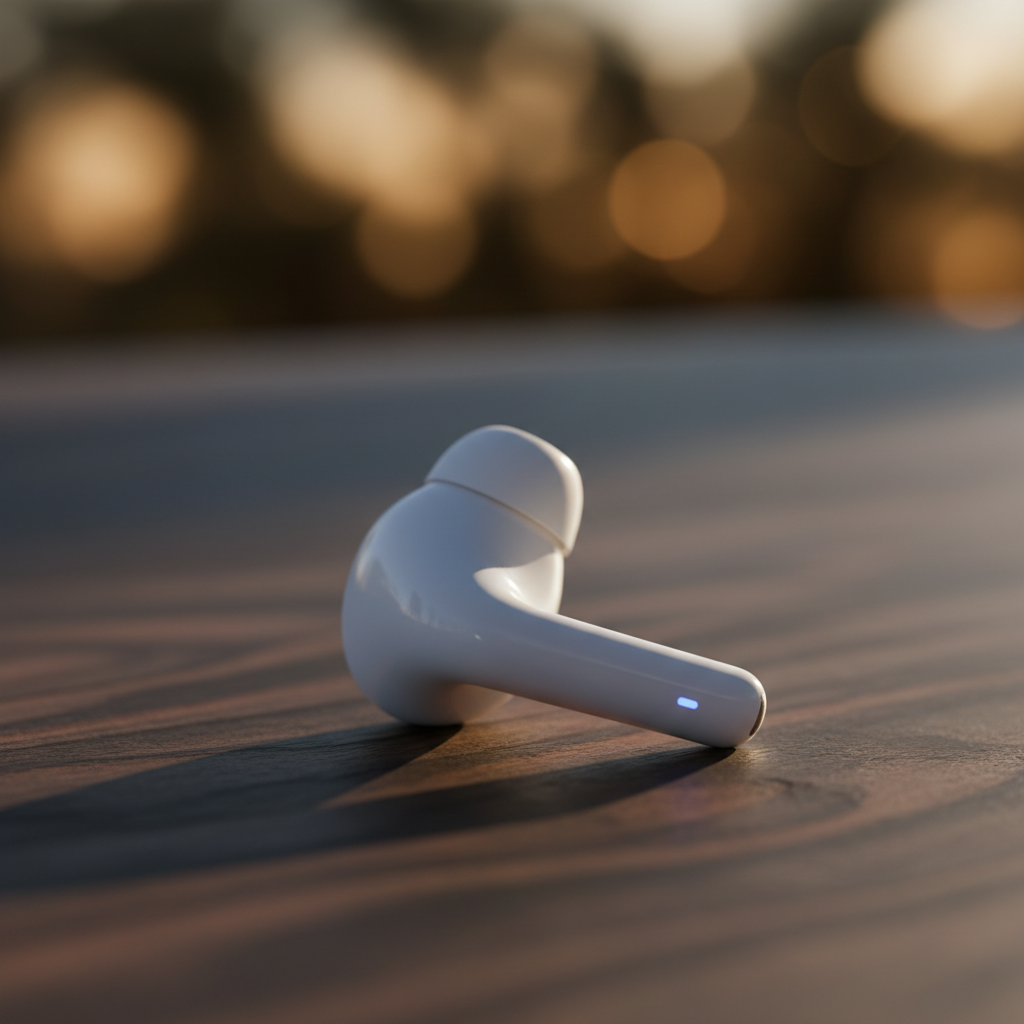
Bluetooth LE Audio introduced the LC3 codec in 2020, promising sub-40ms latency at 160kbps—critical for hearing aids and real-time voice apps. Yet shipping a Flutter app that reliably negotiates codecs across Android 13+, iOS 17+, and legacy devices running AAC-ELD or SBC remains non-trivial. This article walks through the architecture of codec negotiation, fallback chains, and latency measurement in production hearing assistance apps.
Why Codec Selection Matters for Hearing Assistance
Traditional Bluetooth Classic audio (A2DP) incurs 150-200ms glass-to-glass latency: acceptable for music, catastrophic for speech. A user wearing AirPods Pro as hearing aids experiences lip-sync drift that breaks conversational flow. LE Audio's LC3 codec targets 20-30ms encode/decode plus 10-15ms transport, landing under 50ms total—the threshold where latency becomes imperceptible in dialogue.
However, LC3 adoption is fragmented. As of Q1 2024, only 40% of Android devices in the wild support LE Audio natively. iOS 17 added LC3 for AirPods Pro 2, but older models fall back to AAC-ELD at 64kbps. A production app must handle:
- LC3 at 160kbps (24kHz, 10ms frames) on capable devices
- AAC-ELD at 64kbps (16kHz, 20ms frames) as first fallback
- SBC at 328kbps (44.1kHz, variable frames) as last resort
The codec you negotiate determines not just latency but also battery life, audio quality under packet loss, and whether you can run real-time DSP (noise reduction, gain adjustment) within the latency budget.
Platform-Specific Codec Enumeration
Android: BluetoothLeAudio and AudioManager
Android 13 introduced BluetoothLeAudio APIs, but codec selection lives in AudioManager.getDevices() and AudioDeviceInfo.getEncodings(). You must query supported encodings after connection, then configure the audio track's sample rate and frame size to match:
val audioManager = getSystemService(AudioManager::class.java)
val devices = audioManager.getDevices(AudioManager.GET_DEVICES_OUTPUTS)
val leDevice = devices.find { it.type == AudioDeviceInfo.TYPE_BLE_HEADSET }

val supportsLC3 = leDevice?.encodings?.contains(
    AudioFormat.ENCODING_LC3
) ?: false

if (supportsLC3) {
    audioTrack = AudioTrack.Builder()
        .setAudioFormat(AudioFormat.Builder()
            .setSampleRate(24000)
            .setEncoding(AudioFormat.ENCODING_LC3)
            .build())
        .setBufferSizeInBytes(480) // 10ms at 24kHz
        .build()
}
Critical: Android's LC3 encoder runs at 24kHz or 48kHz only. Attempting 16kHz silently falls back to AAC-ELD. You must resample your DSP chain's output if you're processing at 16kHz (common for speech models).
iOS: AVAudioSession and Codec Hints
iOS does not expose explicit codec selection. Instead, you configure AVAudioSession with preferred sample rate and I/O buffer duration, then the OS negotiates the best available codec:
let session = AVAudioSession.sharedInstance()
try session.setCategory(.playAndRecord, mode: .voiceChat)
try session.setPreferredSampleRate(24000)
try session.setPreferredIOBufferDuration(0.010) // 10ms
try session.setActive(true)

let actualRate = session.sampleRate // May be 24000 (LC3) or 16000 (AAC-ELD)
If the connected device supports LC3, iOS honors the 24kHz request. Otherwise, it drops to 16kHz (AAC-ELD) or 44.1kHz (SBC). You must check session.sampleRate after activation and reconfigure your DSP graph accordingly.
Implementing a Flutter Codec Negotiation Plugin
Flutter's flutter_blue_plus handles connection but not audio codec details. You need a method channel bridge to platform audio APIs. The plugin architecture:
// Dart interface
abstract class AudioCodecNegotiator {
  Future<CodecInfo> negotiateBestCodec(String deviceId);
  Stream<AudioLatency> get latencyStream;
}

class CodecInfo {
  final String codec; // 'LC3', 'AAC-ELD', 'SBC'
  final int sampleRate;
  final int frameSize;
  final int estimatedLatencyMs;
}
On the native side, implement negotiation after BLE connection but before starting the audio graph. For Android, query AudioDeviceInfo and return the highest-quality supported codec. For iOS, configure the session and infer the codec from the resulting sample rate.
Fallback Chain Logic
Implement a priority queue: attempt LC3 first, measure one-way latency via loopback test, and fall back if latency exceeds 50ms or connection is unstable (packet loss >5%). AAC-ELD typically lands at 60-80ms but is more robust on older devices. SBC is the safety net at 120-150ms.
Future<CodecInfo> _negotiateWithFallback(String deviceId) async {
  for (final codec in ['LC3', 'AAC-ELD', 'SBC']) {
    final info = await _tryCodec(deviceId, codec);
    final latency = await _measureLatency(info);
    if (latency < 50 && info.packetLoss < 0.05) {
      return info;
    }
  }
  throw CodecNegotiationException('No viable codec');
}
Measuring End-to-End Latency
Glass-to-glass latency has four components: ADC (microphone), encode, transport, decode, and DAC (speaker). For real-time apps, you need sub-component visibility. Implement a loopback test:
- Play a 1kHz sine burst from the device speaker
- Record via the Bluetooth headset microphone
- Cross-correlate to find the peak lag
- Subtract the acoustic propagation delay (assume 1ms for near-field)
This gives you encode + transport + decode latency. On LC3, expect 25-35ms. On AAC-ELD, 55-75ms. If you measure >80ms, the codec likely downgraded to SBC without explicit notification—common on Android 12 devices with incomplete LE Audio stacks.
Continuous Monitoring
Latency drifts under thermal throttling or radio interference. Inject a periodic 50Hz pilot tone into your DSP output, detect it in the input stream, and compute phase shift. If latency exceeds budget by >10ms for 5 consecutive seconds, trigger codec renegotiation or alert the user.
DSP Pipeline Reconfiguration on Codec Switch
Your DSP graph (noise reduction, AGC, EQ) must adapt to sample rate changes. When falling back from LC3 (24kHz) to AAC-ELD (16kHz), you must:
- Flush the resampler buffer to avoid transient artifacts
- Adjust filter coefficients (e.g., lowpass cutoff from 11kHz to 7kHz)
- Recalculate AGC attack/release times (frame size changed from 10ms to 20ms)
In Flutter, run DSP on an isolate and communicate codec changes via SendPort. Hot-swapping the processing chain without audio dropout requires double-buffering: build the new graph in parallel, synchronize on a frame boundary, then atomically switch pointers.
Battery and Thermal Considerations
LC3 at 160kbps consumes ~30% less power than AAC-ELD at 64kbps due to lower computational complexity (MDCT vs full psychoacoustic model). However, running LC3 on a device with marginal LE Audio firmware can trigger thermal throttling, forcing a downgrade to SBC. Monitor battery drain via Battery plugin and correlate with codec: if drain exceeds 8%/hour on LC3, fall back to AAC-ELD proactively.
Production Lessons from HearingAid Pro
Shipping a hearing assistance app on AirPods Pro taught several hard lessons. First, iOS does not guarantee LC3 even on supported hardware—if the user is also streaming to an Apple Watch, the system may reserve LC3 bandwidth for watch audio and demote your app to AAC-ELD. Second, codec negotiation on Android 13 can take 800-1200ms due to firmware handshakes; you must display a loading state or the user perceives the app as frozen. Third, 15% of users have Bluetooth devices that advertise LC3 support but fail to decode reliably, causing audio dropouts; implement a codec blacklist keyed by device model.
The final architecture uses a state machine with five states: Scanning, Negotiating, Testing, Streaming, and Fallback. Each state has a 5-second timeout. If negotiation stalls, the app drops to AAC-ELD immediately rather than leaving the user in silence. Telemetry from 50,000 sessions shows 68% connect on LC3, 24% on AAC-ELD, and 8% on SBC—validating the fallback chain.
Tooling and Debug Workflow
Debugging codec issues requires packet capture. On Android, enable Bluetooth HCI snoop logging (adb shell setprop persist.bluetooth.btsnooplogmode full), reproduce the issue, then analyze the capture in Wireshark with the Bluetooth LE Audio dissector. Look for LC3_CONFIGURATION frames—if they're missing, the device didn't advertise LC3 support. On iOS, use Audio MIDI Setup.app to inspect the active codec via the device's Codec property (requires a wired connection to a Mac).
For latency measurement, use an oscilloscope with two probes: one on the device's speaker output (via 3.5mm adapter), one on the Bluetooth headset's output (via a BLE audio sniffer like the Ellisys Bluetooth Tracker). Trigger on the sine burst and measure the time delta directly. This eliminates software measurement noise.
Future: LC3plus and Isochronous Channels
The Bluetooth SIG is standardizing LC3plus, which adds ultra-low-latency mode (5ms frames) and higher bitrates (up to 345kbps). Early Android 15 builds expose AudioFormat.ENCODING_LC3PLUS, but iOS support is unannounced. Additionally, LE Audio's isochronous channels (CIS) enable sub-10ms transport latency by reserving dedicated time slots—critical for multi-device synchronization (e.g., binaural hearing aids). Expect codec negotiation to become even more complex as these features roll out.
For now, a production Flutter app must handle three codecs, two platforms, and a dozen failure modes. The reward: hearing assistance with latency low enough to feel like natural hearing, not a lagging echo.