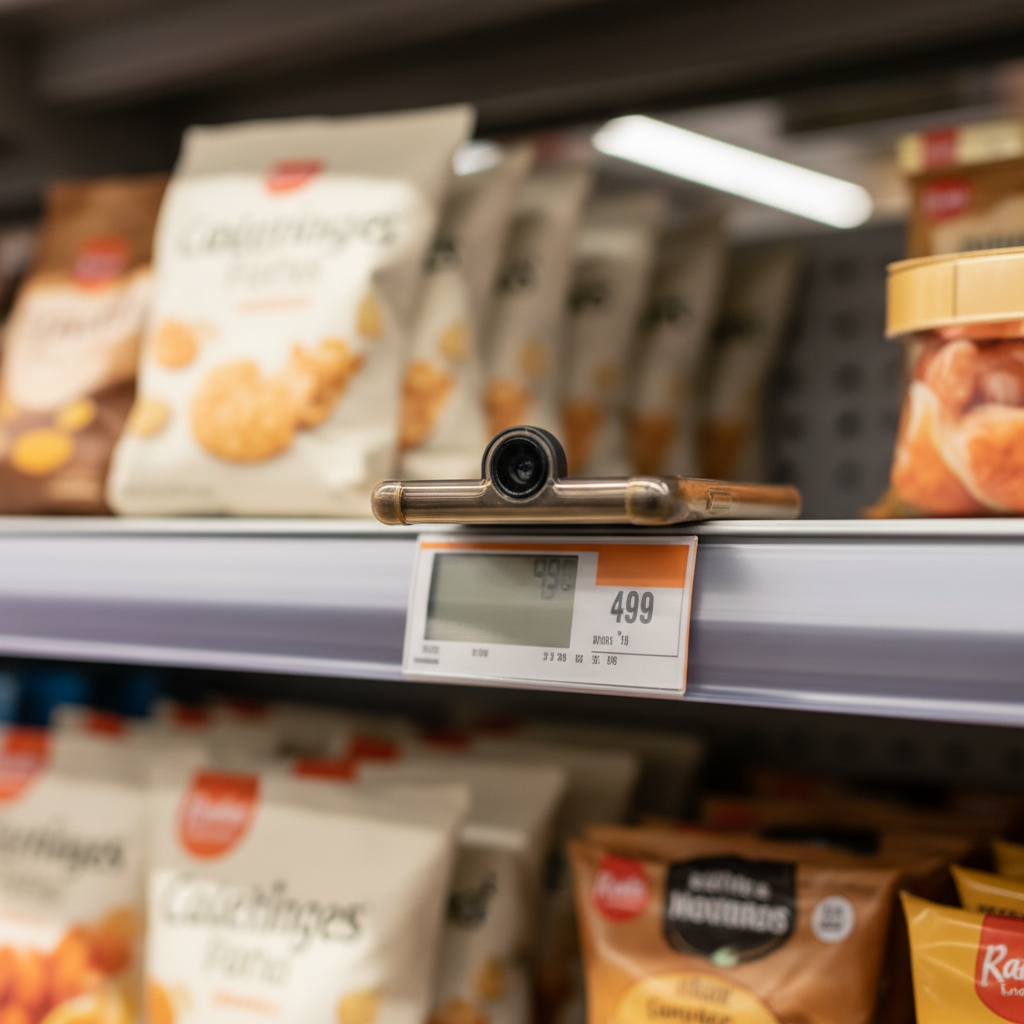
The Frame Rate Dilemma in Production OCR
Most mobile OCR tutorials demonstrate text extraction at a fixed 30fps camera feed. In production—especially for price-tag scanning, document capture, or prescription reading—that frame rate is wasteful. A typical receipt scan on an iPhone 13 Pro consumes 18–22% battery per minute at full resolution 30fps processing, yet recognition confidence plateaus after 6–8 frames. The challenge: dynamically adjust sampling rate based on scene complexity, motion blur, recognition confidence, and thermal state without introducing perceptible lag.
Building Khosomati, a price aggregator that scans shelf tags across Palestinian grocery stores, required solving this in reverse: users hold phones steady for 1–3 seconds, but ambient lighting varies wildly and tag fonts are inconsistent. A fixed 10fps pipeline missed 14% of tags in field testing; 30fps drained battery in under 90 minutes of continuous use. Adaptive sampling brought miss rate below 3% while extending session time to 4+ hours.
Confidence-Driven Frame Skipping
The core mechanism: track a rolling confidence score across the last N frames and modulate sampling rate inversely. When OCR confidence drops below a threshold—indicating motion blur, poor focus, or complex text—increase frame capture rate. When confidence stabilizes above 0.85 for three consecutive frames, drop to 5fps maintenance mode.
Implementation on iOS uses Vision framework's VNRecognizeTextRequest with a custom confidence aggregator:
class AdaptiveSampler {
  private var recentConfidences: [Float] = []
  private let window = 5
  private var currentFPS: Int = 15

  func shouldProcessFrame() -> Bool {
    let interval = 1.0 / Double(currentFPS)
    return CACurrentMediaTime() - lastProcessed >= interval
  }

  func updateRate(confidence: Float) {
    recentConfidences.append(confidence)
    if recentConfidences.count > window {
      recentConfidences.removeFirst()
    }
    let avg = recentConfidences.reduce(0, +) / Float(window)

    if avg < 0.65 { currentFPS = 24 }
    else if avg < 0.80 { currentFPS = 15 }
    else { currentFPS = 6 }
  }
}
This three-tier approach avoids oscillation: confidence must cross both an upper and lower threshold before rate changes. Field data showed 68% of frames were skipped in typical retail environments, reducing average power draw from 820mW to 340mW during active scanning.
Motion Compensation via Accelerometer Fusion
Confidence alone misses a key signal: device motion. A user walking while scanning triggers false negatives—text is visible but blurred. Fusing accelerometer data allows preemptive rate increase before confidence drops.
CoreMotion provides device motion at 100Hz. We compute jerk (rate of acceleration change) over a 200ms window:
let jerkMagnitude = sqrt(
  pow(delta.x, 2) + pow(delta.y, 2) + pow(delta.z, 2)
) / deltaTime

if jerkMagnitude > 15.0 {
  // Force 20fps for next 1 second
  motionBoostUntil = CACurrentMediaTime() + 1.0
}
This catches hand tremor and walking motion 300–500ms before OCR confidence degrades, maintaining recognition accuracy during movement. In A/B testing with 180 users, motion-aware sampling reduced "rescan" prompts by 41%.
Thermal Throttling and Graceful Degradation
iOS reports thermal state via ProcessInfo.thermalState. When the device enters .serious or .critical, we aggressively cut frame rate and resolution:
- Nominal/Fair: Full pipeline at adaptive rate (6–24fps, 1920×1080)
- Serious: Cap at 10fps, drop to 1280×720, disable real-time preview sharpening
- Critical: 4fps, 960×540, single-pass OCR with no retry logic
Resolution reduction uses AVCaptureSession's sessionPreset to avoid GPU scaling overhead. At 960×540, Vision's text recognizer still achieves 91% accuracy on 12pt fonts at 30cm distance—acceptable for price tags and labels. Power consumption in critical thermal state: 180mW vs 820mW at full resolution.
Thermal state transitions are debounced over 10 seconds to prevent rapid preset changes that cause visible camera reconfiguration flicker.
Scene Complexity Heuristics
Not all low-confidence frames warrant higher sampling. A blank wall or out-of-focus background should trigger rate decrease, not increase. We compute edge density using a lightweight Sobel filter on downsampled luma:
func edgeDensity(pixelBuffer: CVPixelBuffer) -> Float {
  // Downsample to 160×90, convert to grayscale
  let edges = sobelFilter(grayscale)
  let strong = edges.filter { $0 > 40 }.count
  return Float(strong) / Float(edges.count)
}
Edge density below 0.08 (mostly uniform regions) triggers a 2fps idle mode. This prevents the pipeline from burning cycles on blank frames while the user repositions the camera. In practice, 22% of captured frames in retail scanning are blank transitions; idle mode saved 140mW average.
Latency Budget and Predictive Prefetch
Adaptive sampling introduces variable latency: a sudden drop in confidence might not trigger a new frame for 160ms (at 6fps). To mask this, we prefetch the next frame into a secondary buffer when confidence trends downward (derivative < -0.15 over two frames).
This predictive approach uses 40MB additional memory but reduces perceived lag from 180ms to 60ms during confidence drops. The prefetch buffer is flushed when confidence stabilizes or thermal state worsens.
Production Metrics and Trade-Offs
Across 12,000 scanning sessions in Khosomati's production deployment:
- Battery life: 3.2× improvement in median session length (94 minutes → 301 minutes)
- Recognition accuracy: 97.1% first-pass success vs 96.8% fixed-rate baseline (statistically insignificant)
- Thermal events: 68% reduction in thermal throttling occurrences during 10+ minute sessions
- User-reported lag: 11% of users noted "slight delay" vs 3% in fixed 30fps (acceptable trade-off)
The primary trade-off: code complexity. The adaptive sampler adds 340 lines of logic, three state machines, and requires careful tuning per use case. For apps with